
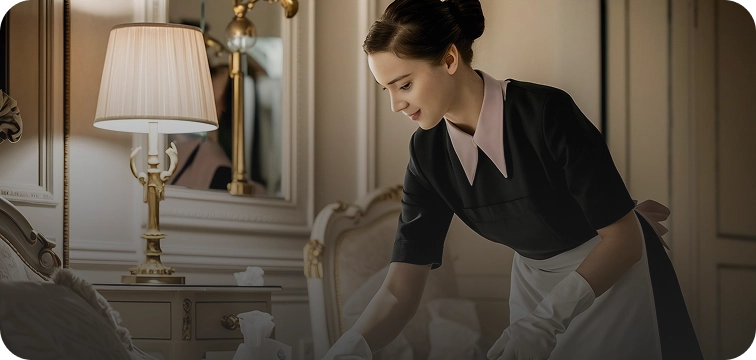


Frontline hotel staff spend a meaningful part of every shift stopping what they are doing to check their phones. Whether carrying a linen cart, serving a guest tray, or working in restricted areas where mobile devices are impractical, having to reach into a pocket creates operational friction.
Those seconds of interruption add up across every department, taking focus away from the guest and the task at hand.
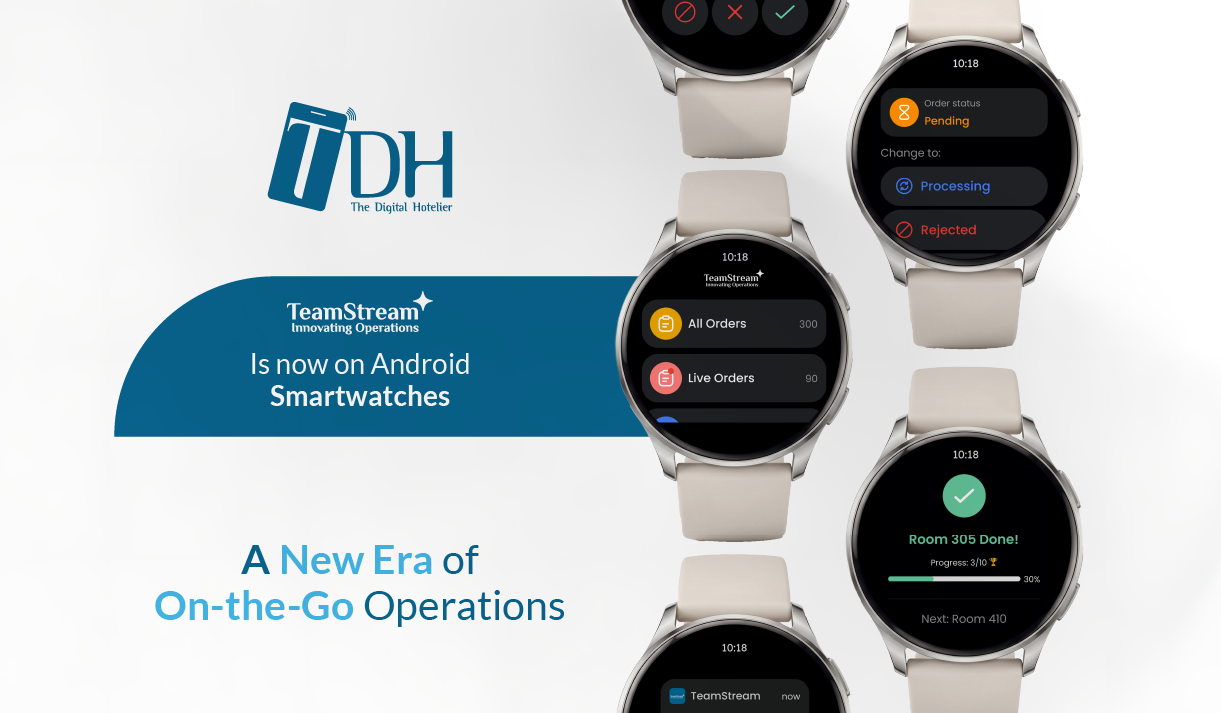
The TeamStream+ app is available now for Android smartwatches on the Google Play Store, letting staff manage core tasks and stay connected directly from their wrists.
Built for Active Hotel Operations
TeamStream+ for Android smartwatches is designed to keep staff eyes-up and hands-free.
It surfaces only the most critical actions, ensuring the technology supports the physical work rather than interrupting it.
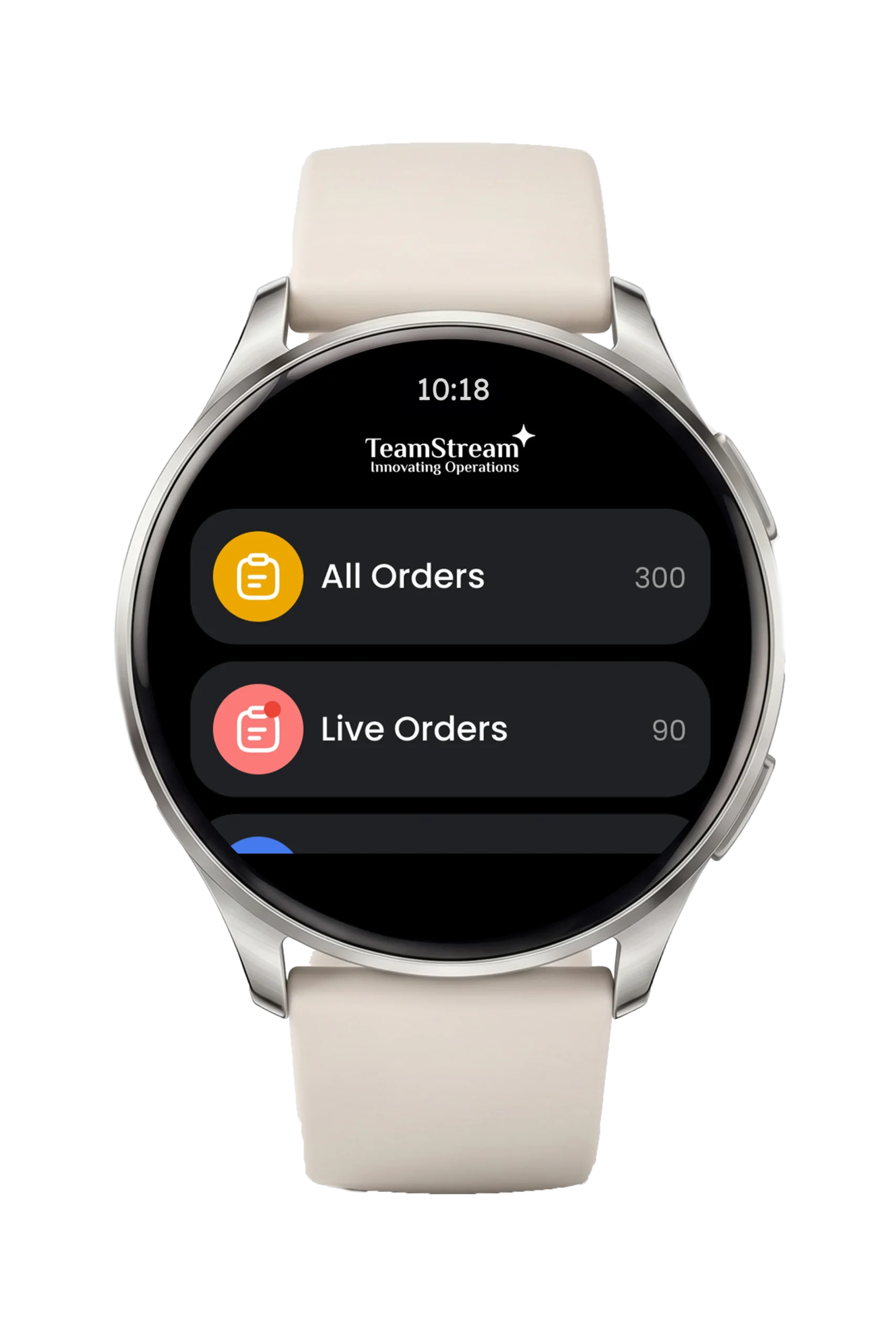
Guest orders and task queues instantly accessible from the wrist.
Core Workflows on the Wrist
Action Guest Orders
The moment a request is placed, a wrist notification appears. Staff can accept, reject, or mark it delivered immediately without stopping their current task.
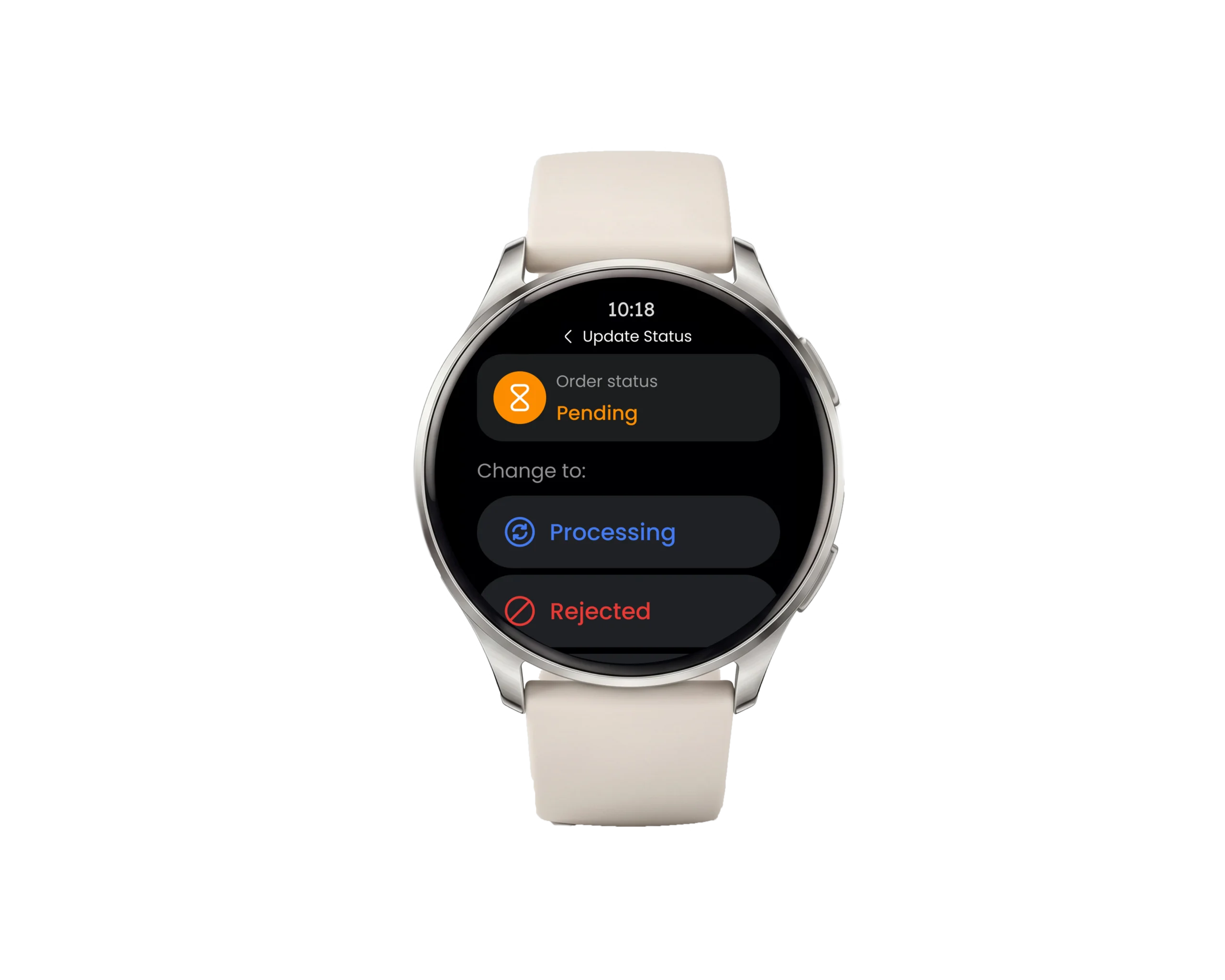
Update task statuses with a single tap, keeping operations moving hands-free.
Update Room Cleaning
Housekeepers view assigned rooms and tap the watch face to update the cleaning status step by step. Every update syncs live with the mobile app.
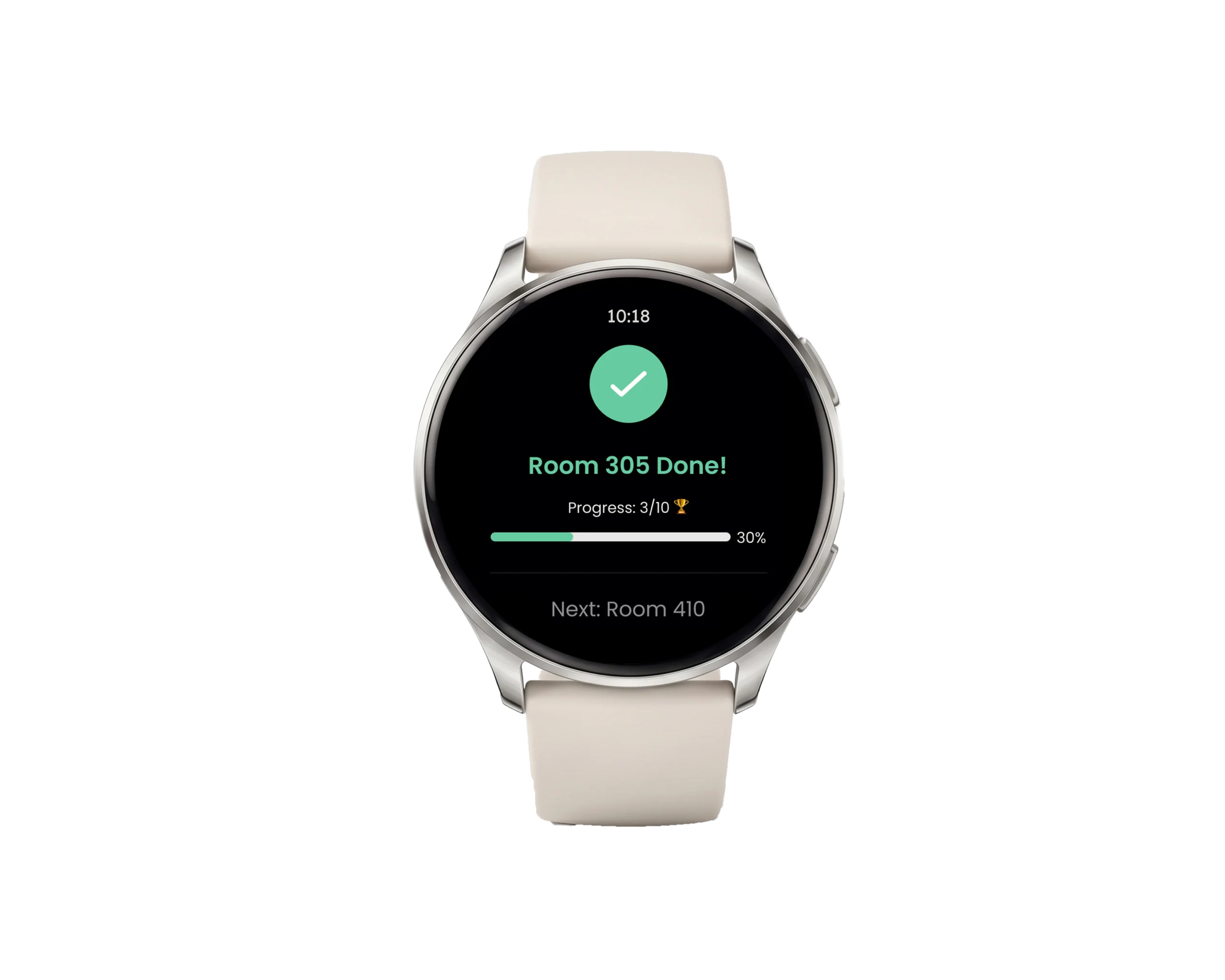
Log room cleaning progress in real time without reaching for a mobile device.
Maintain Connection in All Environments
Smartwatches allow maintenance and floor teams to stay informed in areas where handling a mobile phone is restricted or physically difficult, ensuring no critical update is missed.
One-Time Sync
A single login through the TeamStream+ mobile app connects the devices. From that point, the phone and watch stay in sync automatically.
What Changes for Your Team
| Action | Without the Watch App | With the Watch App |
| Handling guest requests | Stop working, reach for phone, unlock screen, open app | Glance at the wrist and action the request in seconds |
| Updating task status | Pull out phone, find the specific task in the app, log update | Tap the screen directly from the wrist |
| Working hands-on | Workflow is interrupted by constant phone handling | Hands stay free and focus remains on the task |
Download the TeamStream+ app for your smartwatch from Google Play Store today. If you can’t find it or have questions, contact your account manager or email [email protected].
New to TDH? Book a demo to see TeamStream+ in action.